
Pipedrive
Route referrals into your pipeline, and approve them automatically when a deal is won
This native connection is live and open to all customers while we finish rounding it out. Don't rely on it being final; behavior may change before general availability.
Overview
Connect Pipedrive natively to Referral Rock. Referral Routing pushes new referrals straight into your pipeline, and Customer Feed approves the referral automatically when a deal is won.
How it works (trigger + objects)
- Customer Feed trigger: a won Deal → matching referral Approved across all programs; the organization's people can be preloaded as members.
- Referral Routing: push a new referral into Pipedrive as a Person/Deal and set the stage.
- Objects: Deal, Person, Organization, Lead.
- Two-way.
Setup (auth)
Connect over OAuth in a few clicks:
Find Pipedrive on the Integrations page and select Connect, or click here.
Select Connect Pipedrive.
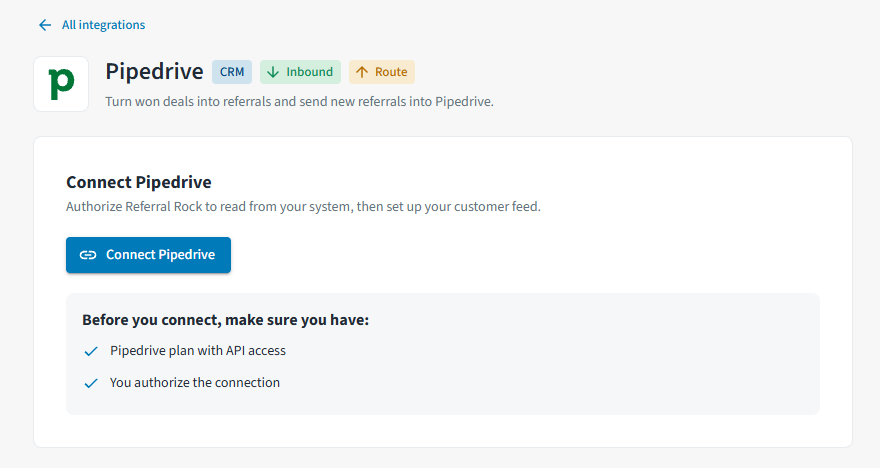
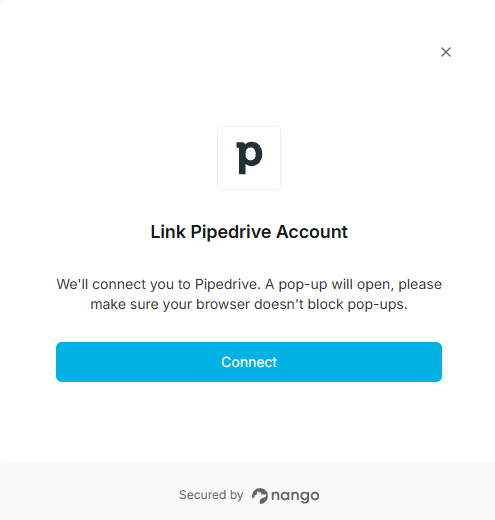
In the Link Pipedrive Account pop-up, click Connect.
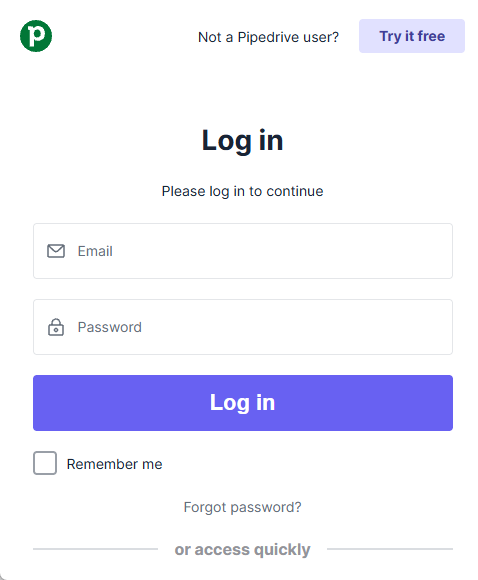
Log into Pipedrive via the pop-up to finish authorizing the connection over OAuth.
Reward note: the Customer Feed approval (won deal) can trigger a Reward Payout automatically.
Updated 10 days ago