
QuickBooks
Connect QuickBooks Online natively to Referral Rock, and enroll referred customers as members when they pay their invoices
This native connection is live and open to all customers while we finish rounding it out. Don't rely on it being final; behavior may change before general availability.
Overview
Connect QuickBooks Online natively to Referral Rock. With Customer Feed, a paid invoice automatically approves the matching referral across all your programs and can enroll the customer as a member — no manual reconciliation.
Category: Billing
How it works (trigger + objects)
- Trigger: an Invoice is paid (balance = 0), or a Payment or Sales Receipt is recorded.
- Behavior: matching referral Approved across all programs; customer preloaded as a member per account settings.
- Objects: Invoice, Payment, SalesReceipt, Customer. (Use "Invoices," not "Purchases.")
- Inbound-only (one-way).
Setup (auth)
Connect over OAuth (Intuit) — a QuickBooks admin authorizes.
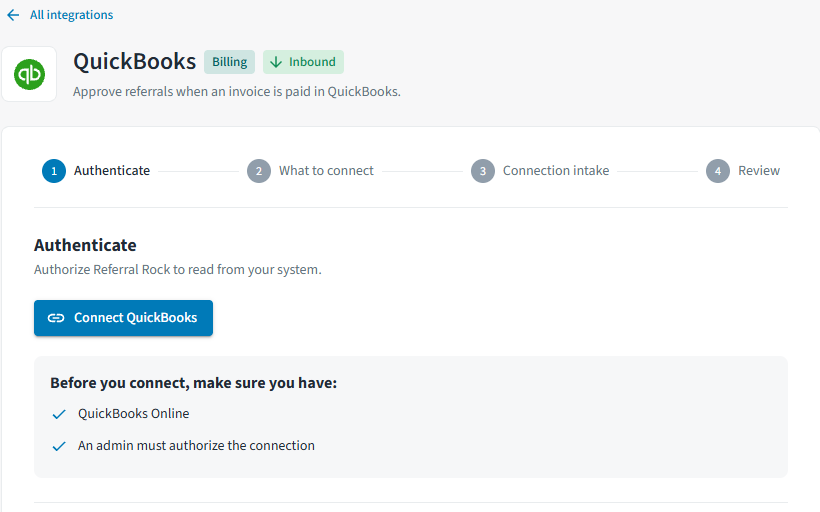
Find QuickBooks on the Integrations page and select Connect, or click here.
Select Connect QuickBooks.
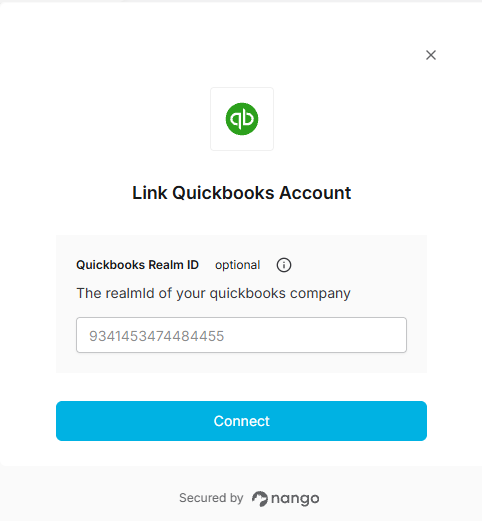
In the Link QuickBooks Account pop-up, enter your Realm ID if desired, and click Connect.
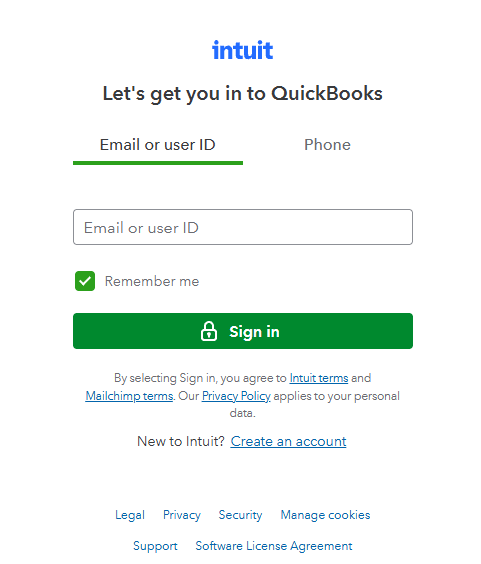
Log into QuickBooks via the pop-up, then follow the remaining steps to finish authorizing the connection over OAuth.
Reward note: the Customer Feed approval can trigger a Reward Payout automatically.
Updated 10 days ago